AI follow reading. 1080P recording. Five script slots. That is Beast Teleprompter's free tier, permanently, not a trial. Apps like PromptSmart Pro charge $29.99 upfront before you film a single take. Beast charges nothing for the core workflow.
The app is built for creators who film on one device. Instead of juggling a second phone or tablet for prompting, you get everything: script, camera, and recording, inside a single iPhone workflow.
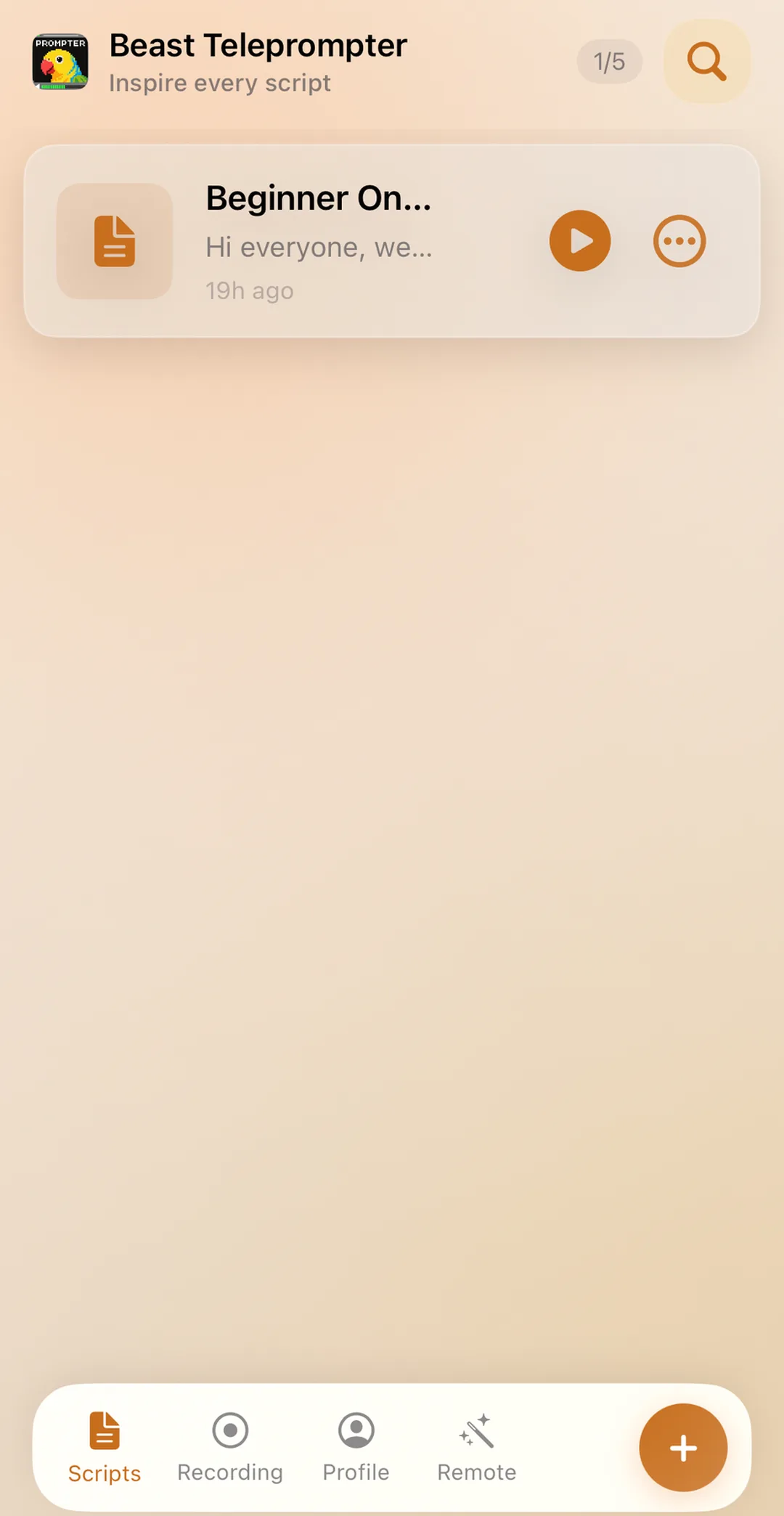
Beast Teleprompter's free plan for iPhone includes AI follow reading, 1080P recording, and 5 script slots. There is no trial timer and no feature wall. The Pro subscription at $2.99/month or $29.99/year adds the option to turn off the watermark, a floating prompt window, 4K recording, unlimited scripts, and iCloud sync across iPhone, iPad, and Mac.
Why Most iPhone Teleprompters Fall Short
The App Store has dozens of teleprompter apps. Most of them scroll text at a fixed speed and call it done.
The problem is obvious once you start recording: fixed-speed scrolling forces you to match the machine instead of speaking naturally. You speed up to catch the text, or you pause and watch the script race ahead. Either way, the result sounds rehearsed in the worst sense: stiff, rushed, or robotic.
Check which recording features are free before choosing an app. Beast Teleprompter includes 1080P recording on the free plan.
How Beast Teleprompter Works on iPhone
AI Follow Reading
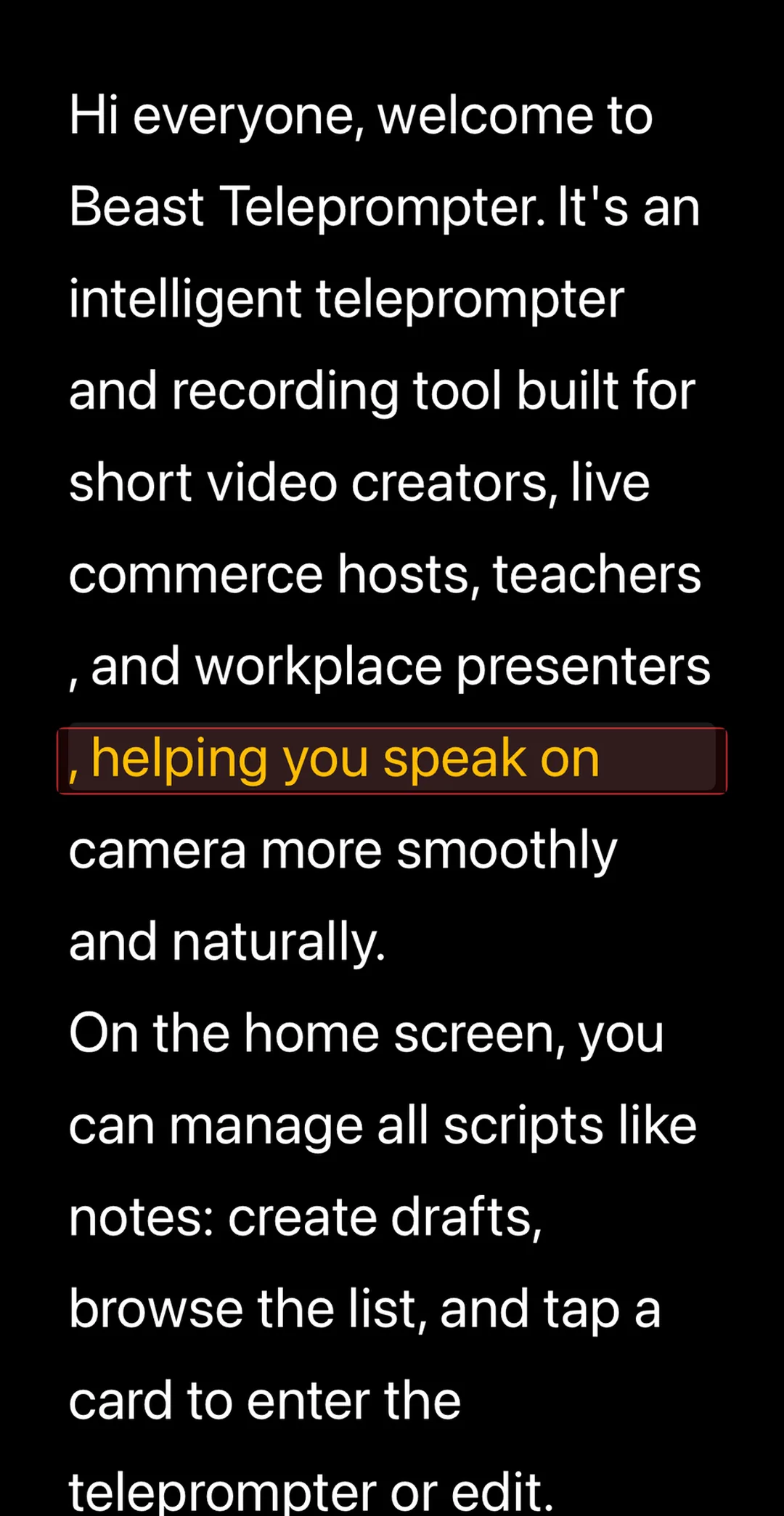
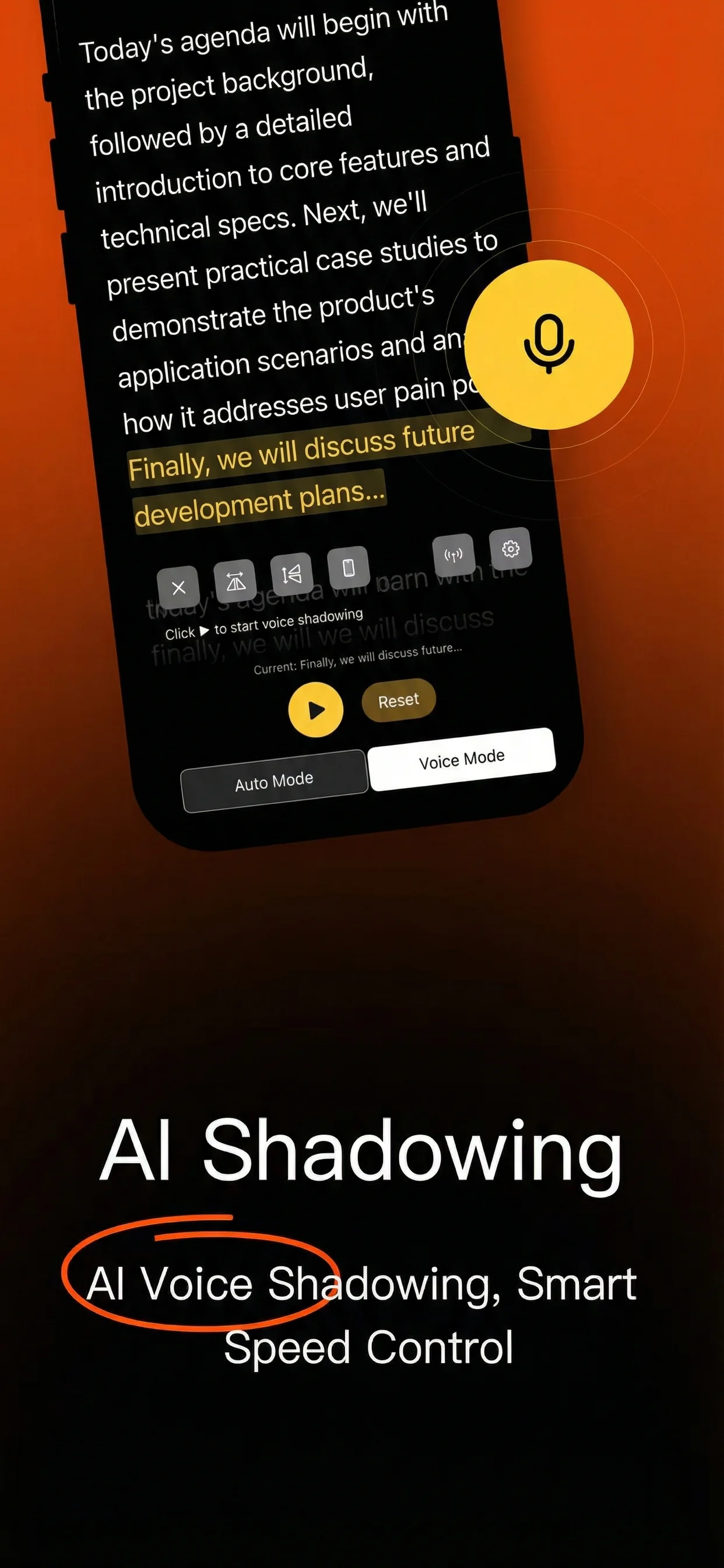
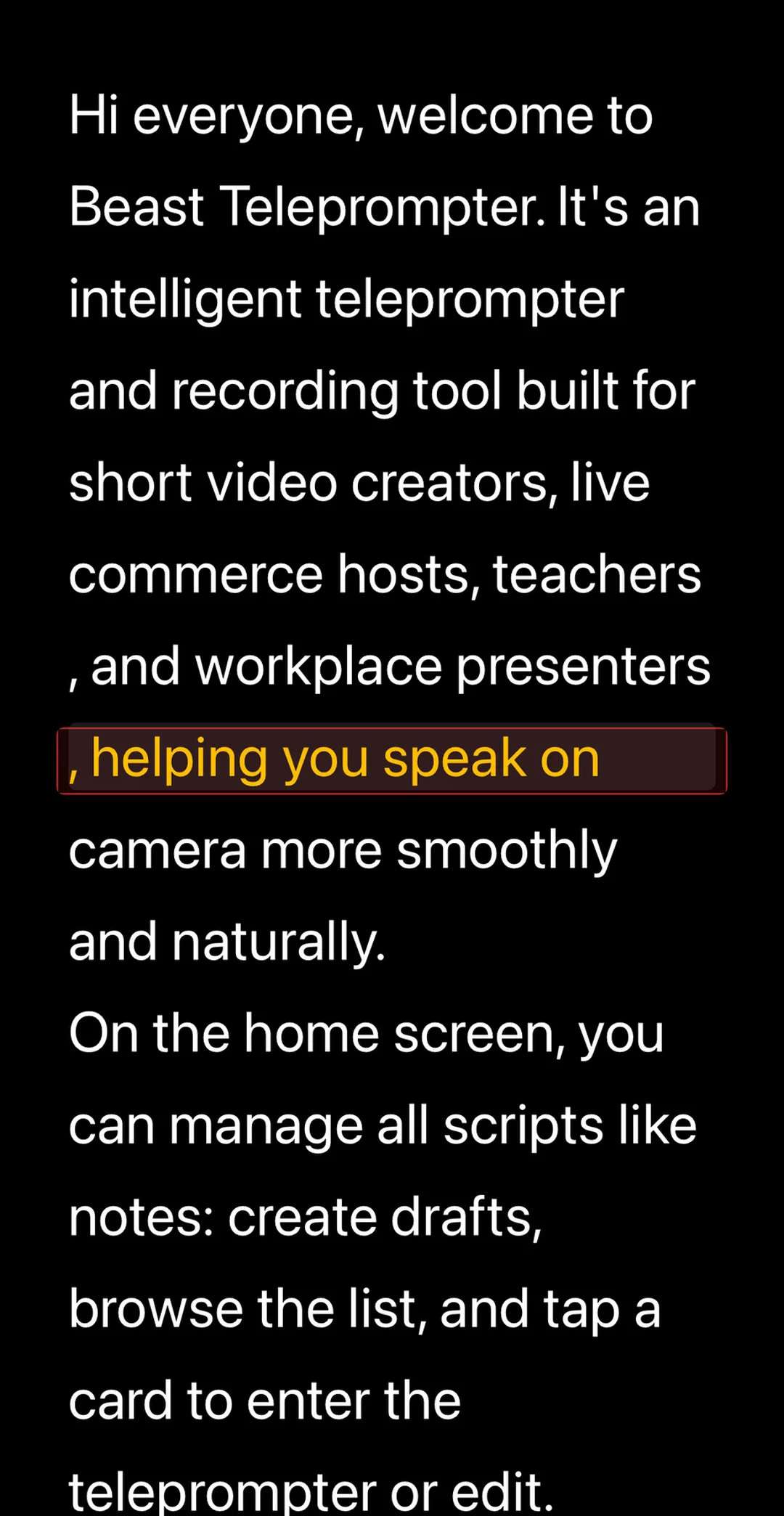
The script follows your voice instead of scrolling at a fixed rate. Speak faster, the text speeds up. Pause to think, the text waits. This is the feature that separates a usable teleprompter from a basic text scroller.
AI follow reading is free. No time limits, no daily caps.
Beast Teleprompter's AI follow reading listens to your voice in real time and moves the script to match your pace. If you pause, the text waits. If you speed up, it follows. This is free on iOS, with no subscription required and no session cap.
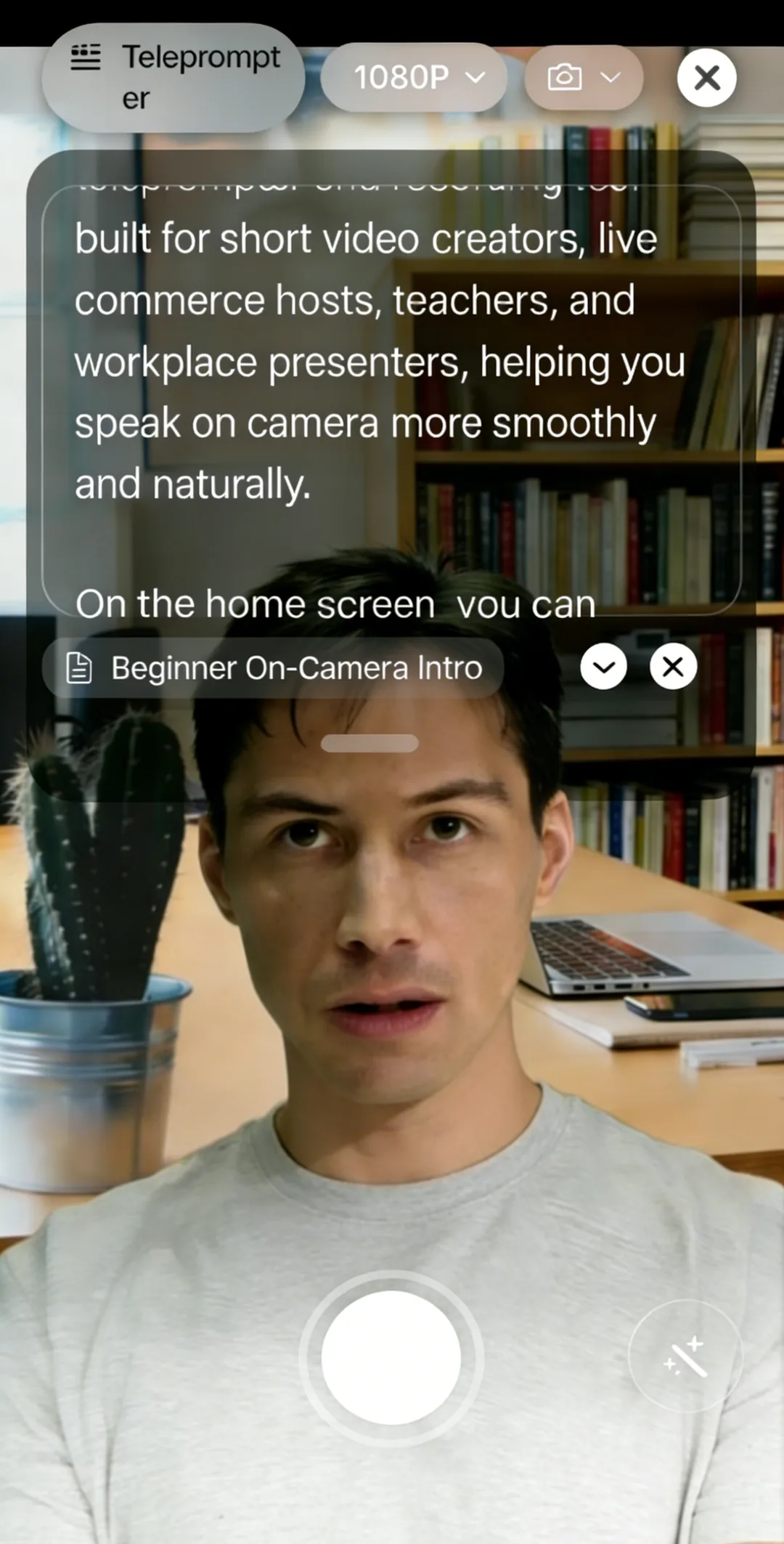
Record While You Read
The built-in recording studio lets you prompt and film at the same time. No need to open a separate camera app. You see the script overlaid on the camera preview, press record, and export a clean 1080P video.
For creators who only have one iPhone, this is the core workflow: write, prompt, record, export, all without leaving the app.
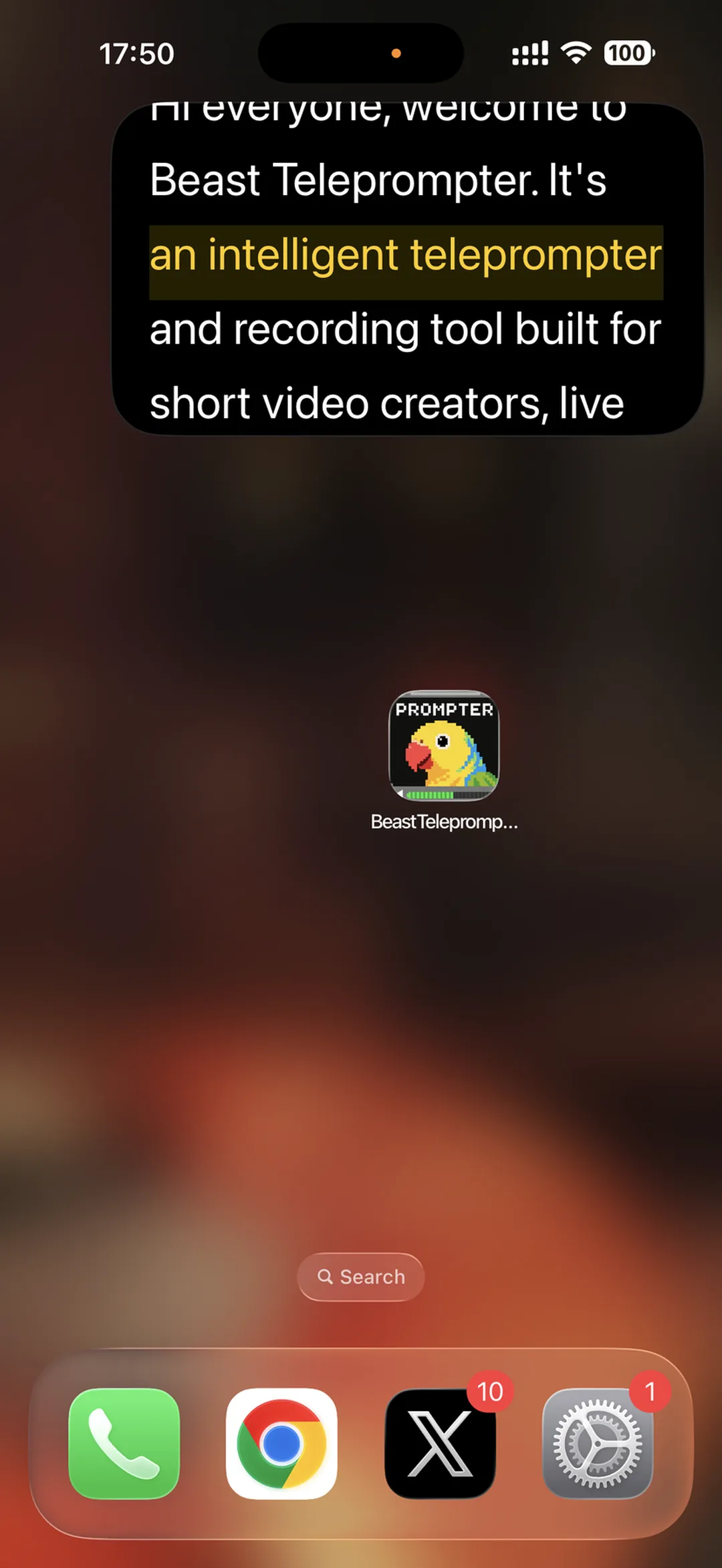
Floating Prompt Window (Pro)
If you prefer to record with a different app, your native camera, TikTok, Instagram, or a live streaming tool, the floating prompt window overlays your script on top of any other app.
This is the feature that solves the "one phone, multiple apps" problem. You read from the floating prompt while recording in whatever app you already use.
Dual Camera Recording
Version 1.37 adds dual camera mode: front and rear cameras recording simultaneously. Useful for reaction videos, tutorials, or any format where you want to show both yourself and what you are looking at.
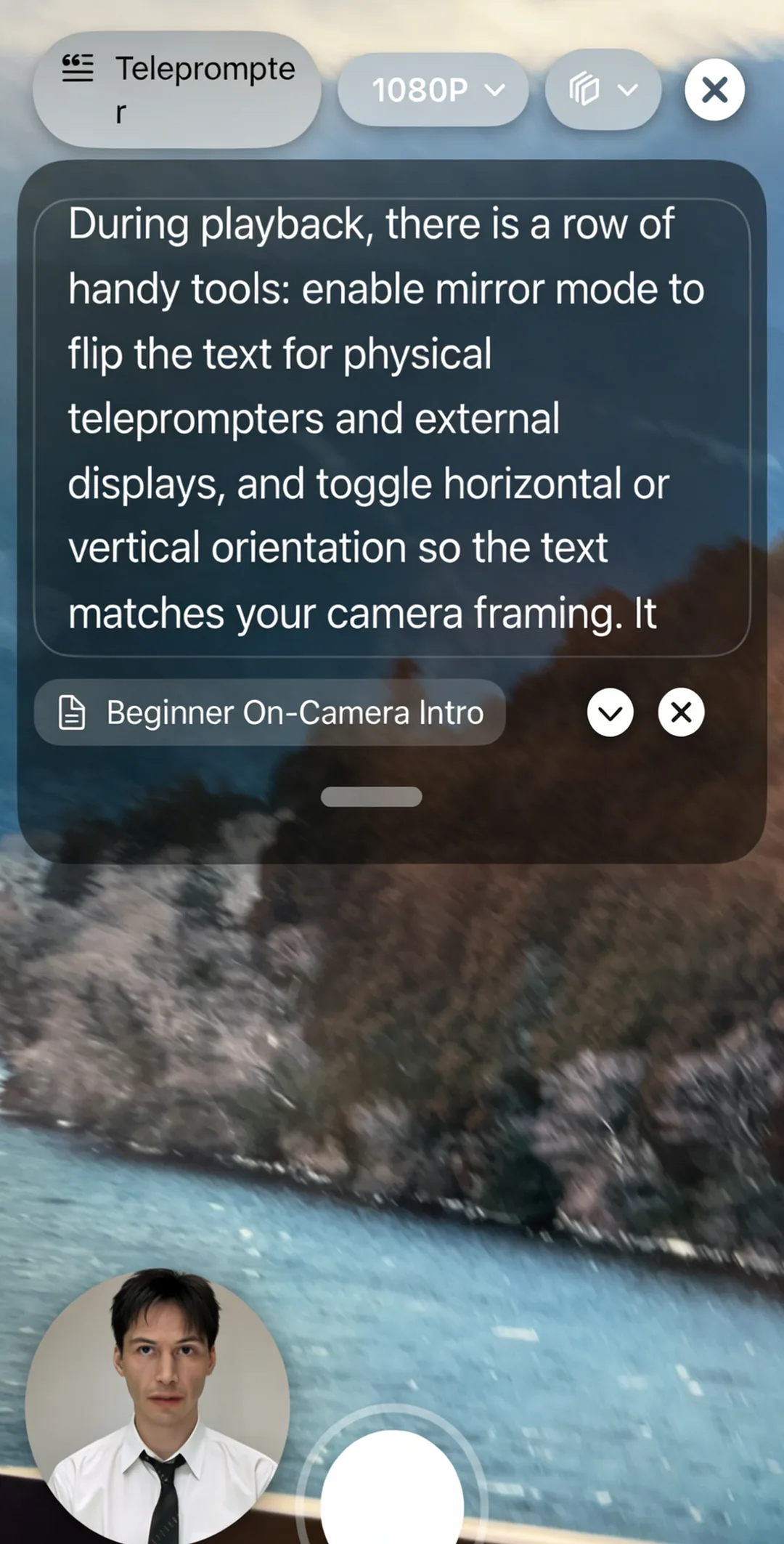
Virtual Backgrounds
Record with a blurred background, a custom image, or creative overlays without needing a green screen. The virtual background feature works directly inside the recording studio.
Free vs. Pro: What You Actually Get
Free (permanent, not a trial):
- AI follow reading, unlimited
- 1080P recording
- 5 script slots
- Full-screen prompting with speed, mirror, and orientation controls
- No ads
Pro subscription:
- Option to turn off the watermark on recorded video exports
- Floating prompt window
- 4K recording
- Unlimited scripts
- iCloud sync across iPhone, iPad, and Mac
The free version covers the entire creation workflow for most creators. Pro makes sense when you need the floating prompt for multi-app setups, 4K for higher production value, or sync across devices.
Who This App Is Built For
Beast Teleprompter works across use cases, but it is especially relevant for:
- Short video creators filming TikTok, Instagram Reels, or YouTube Shorts on iPhone
- Live streamers who need a prompt overlay during broadcasts
- Course creators and teachers recording lessons on a phone
- Remote workers who want to reference notes during video calls
- Anyone starting out who needs a teleprompter that actually works before asking for money
If you want to understand what a teleprompter is and how it works, that guide covers the fundamentals.
Frequently Asked Questions
Is Beast Teleprompter free on iPhone? Yes. AI follow reading, 1080P recording, and 5 script slots are permanently free. There is no trial period.
What makes this different from other iPhone teleprompter apps? AI follow reading. Most apps scroll at a fixed speed. Beast Teleprompter listens to your voice and moves the script to match your natural pace. That removes the robotic delivery problem.
Can I record video directly inside the app? Yes. The recording studio lets you prompt and film simultaneously. You get a 1080P export.
Do I need a second phone or tablet? No. The app is designed for single-device use. The floating prompt window (Pro) also lets you read over other apps on the same phone.
Does it work with TikTok, Instagram, and live streaming apps? Yes. The floating prompt window overlays your script on any app, so you can record or stream in your preferred tool while reading from Beast Teleprompter.
Is there a Mac version? Yes. Beast Teleprompter is available on both iPhone and Mac, with iCloud sync on the Pro plan.
Download Beast Teleprompter, free on the App Store. Paid members can choose to turn off the export watermark.