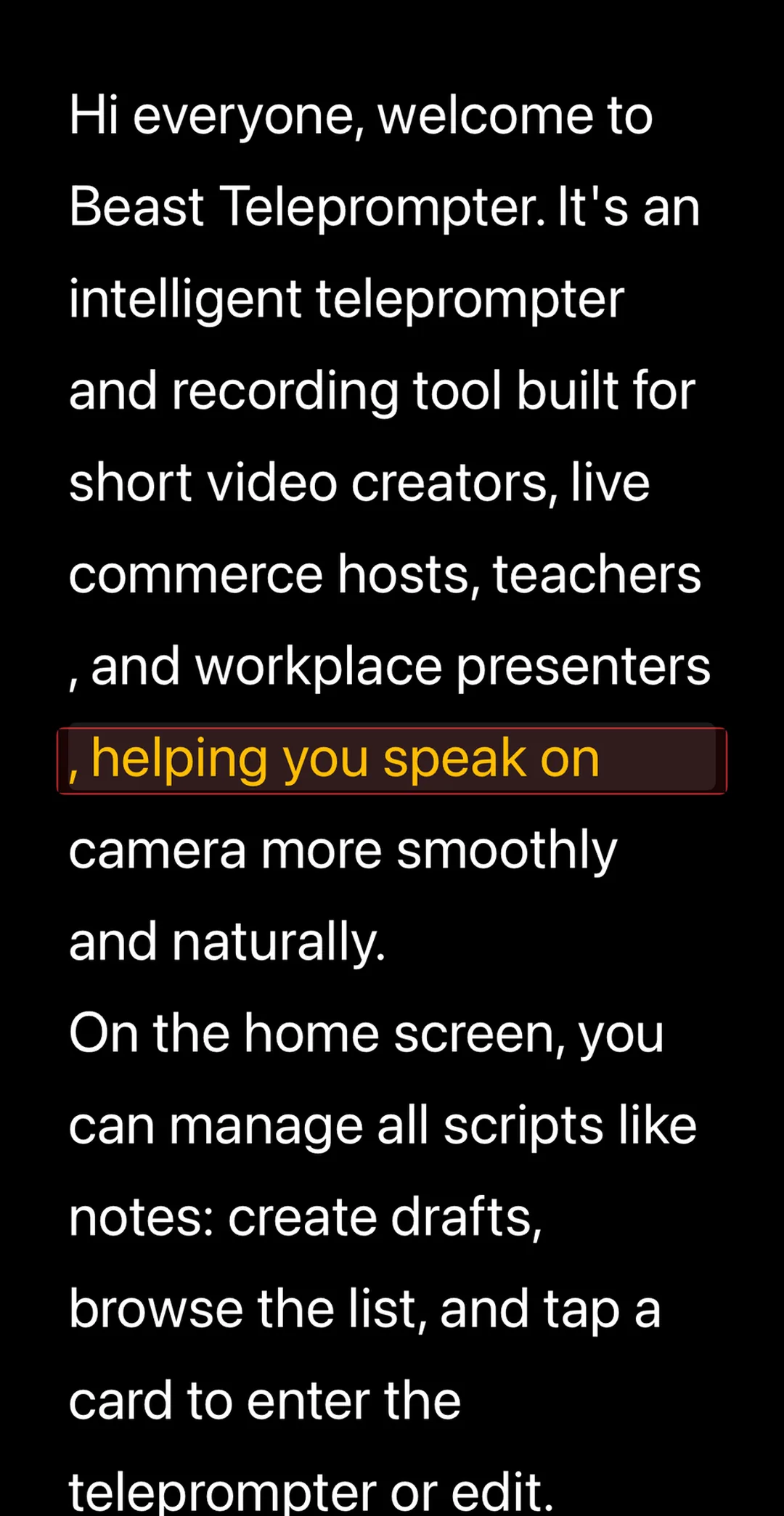
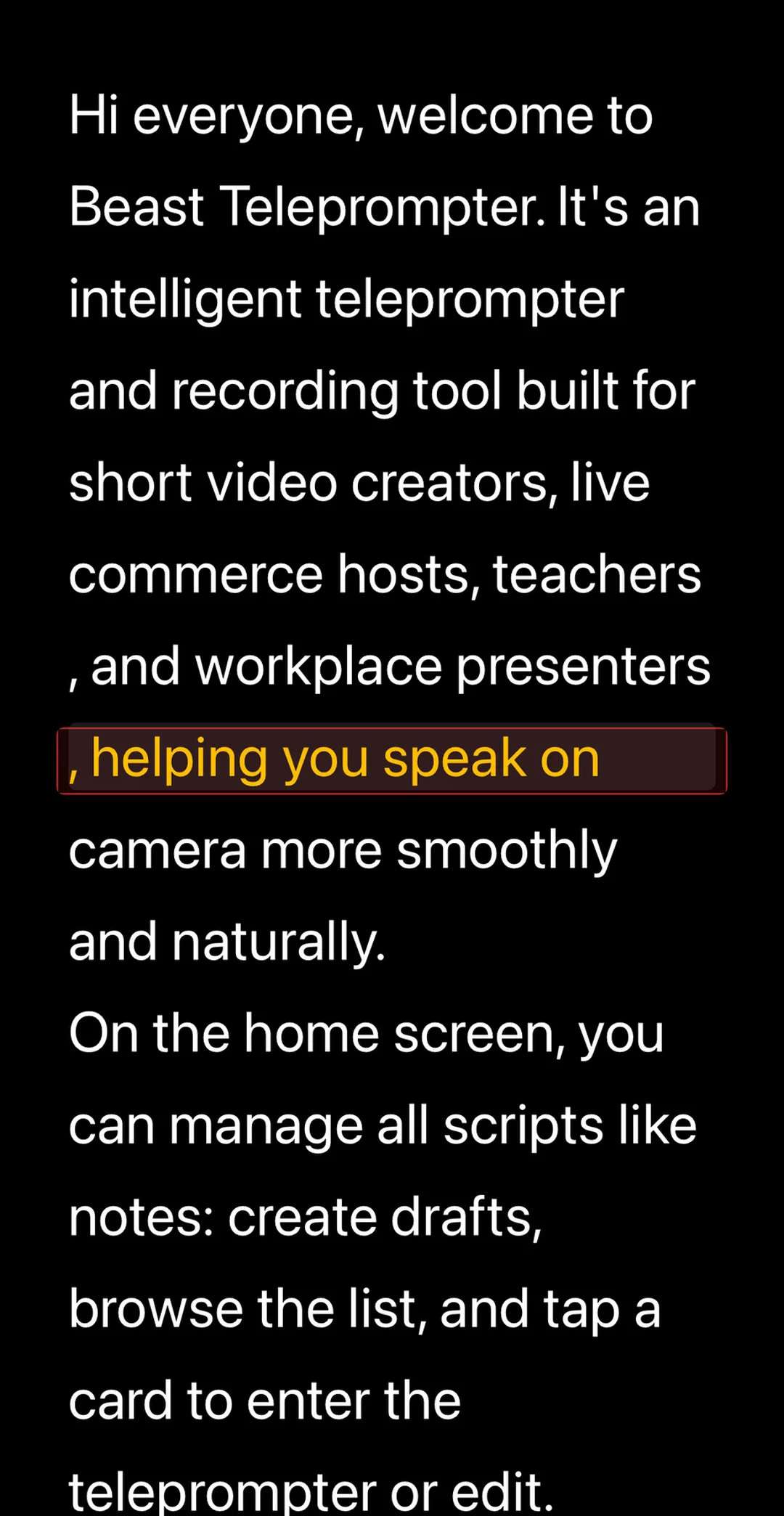
There are genuinely free teleprompter apps for iPhone, but finding one takes more than checking the price tag. I spent time testing the most-downloaded options in the App Store, and the pattern was consistent: apps marketed as "free" routinely lock the features that make a teleprompter worth using in the first place. Here's a fast way to tell the difference before you commit.
Why "Free" Doesn't Mean Much on Its Own
Download a typical teleprompter app and here's what you get on the free tier: basic scrolling, maybe a couple of script slots, and a watermark on everything you export. The thing that actually solves the problem, having your script follow your voice instead of the other way around, costs extra.
AI follow reading is the feature that changed how teleprompters work. Instead of setting a fixed scroll speed and then racing to keep up, or waiting for it to catch up, the app listens to your speech and adjusts automatically. You speed up, it speeds up. You pause, it pauses. For anyone who's ever spent a take staring at a line that already scrolled past, it's a meaningful upgrade.
Most apps charge for it. A few don't. That distinction matters more than anything else on the feature list.
Three Questions Worth Asking Before You Download
Run any teleprompter app through these before committing. If it fails any of them on the free plan, it's not really free for the workflow you need.
Can you open the app, paste a script, and start filming in under two minutes, without a signup prompt or upsell screen? Some apps are designed to funnel you toward a subscription before you've filmed a single take. That's not a free app. That's a locked app with a free preview.
Does the scroll track your voice, or do you have to track the scroll? Fixed-speed scrolling puts the burden on you. You're managing your pacing against a timer instead of focusing on delivery. AI follow reading flips that. If an app only offers fixed-speed on the free tier, the core problem isn't actually solved.
Can you export at 1080P without a watermark? A watermark on a free export isn't a feature limitation. It's the app using your video as unpaid advertising. 1080P is the current standard for short-form video. Both should be available without paying.
If an app passes all three, it's genuinely usable for free. What it charges for after that, floating windows, 4K, advanced sync, is a fair trade.
What's Worth Paying For
Once the basics are covered, there are a few upgrades that legitimately earn their subscription price.
A floating prompt window overlays your script on top of other apps: your native camera, your live streaming app, or FaceTime. It's technically complex to build and meaningfully useful for creators who want to shoot with a different camera app or read while streaming live. If you need that, it's worth paying for.
4K export is relevant once you're shooting with that in mind. Most creators don't need it early.
Unlimited scripts and cross-device sync matter when you're managing a real content library. If you're juggling scripts across iPhone and Mac, iCloud sync saves time. Five free slots is enough for most people starting out.
The line is clear: getting started shouldn't cost anything. Going professional can.
How the Apps Compare
| App | AI Follow Reading | 1080P (free) | No Watermark (free) | Floating Window |
|---|---|---|---|---|
| Beast Teleprompter | Yes - Free | Yes - Free | Yes - Free | Paid |
| Bigvu | No - Paid | No - Paid | No - Paid | Paid |
| PromptSmart | No - Paid | Yes - Free | Yes - Free | N/A |
| Teleprompter+ | No - Paid | Yes - Free | No - Paid | Paid |
Beast Teleprompter is the only app in this group that keeps AI follow reading on the free tier. The free plan includes AI follow reading, 1080P recording with no watermark, and 5 script slots, enough to run a consistent content workflow without paying anything. The paid plan unlocks the floating prompt window, 4K, unlimited scripts, and iCloud sync across iPhone, iPad, and Mac.
One thing worth knowing: the Mac version works differently. On iOS the free plan is genuinely functional; on Mac, the full teleprompter requires a subscription. It's positioned as a desktop studio tool, so the model makes sense, just good to know if you're deciding between platforms.
Frequently Asked Questions
Is AI follow reading free in teleprompter apps? In most apps, no. AI follow reading, where the scroll speed adjusts automatically to match your speech, is typically a paid feature. Beast Teleprompter includes it permanently in the free plan, which is uncommon. It's the single most useful feature to check before downloading any teleprompter app.
What's the best free teleprompter app for iPhone in 2026? For creators who want AI follow reading, 1080P export, and no watermark without a subscription, Beast Teleprompter currently offers the most complete free tier. Most alternatives either watermark free exports, cap resolution, or lock AI follow reading to paid plans.
Do I need to pay to make good videos with a teleprompter? No. The features that matter most, voice-responsive scrolling, clean 1080P export, and basic script management, don't require a subscription. Paying makes sense when you need the floating overlay window for live streaming or when you're managing a large script library across devices.
Can I use a teleprompter while live streaming? Yes, with the right setup. The floating prompt window feature overlays your script on top of other apps, including live streaming apps, so you can read without switching. This is a paid feature in most apps, including Beast Teleprompter.
Does Beast Teleprompter have a Mac version? Yes. There's a separate Mac App Store app. Unlike the iPhone version, the Mac version requires a subscription for full teleprompter use. The free tier on Mac lets you manage scripts but not run a full prompter session.
Download Beast Teleprompter on the App Store for the free plan with no trial required.