
Update Logs
View product update logs, including latest features and improvements.
Beast Teleprompter Pro Workflow Update
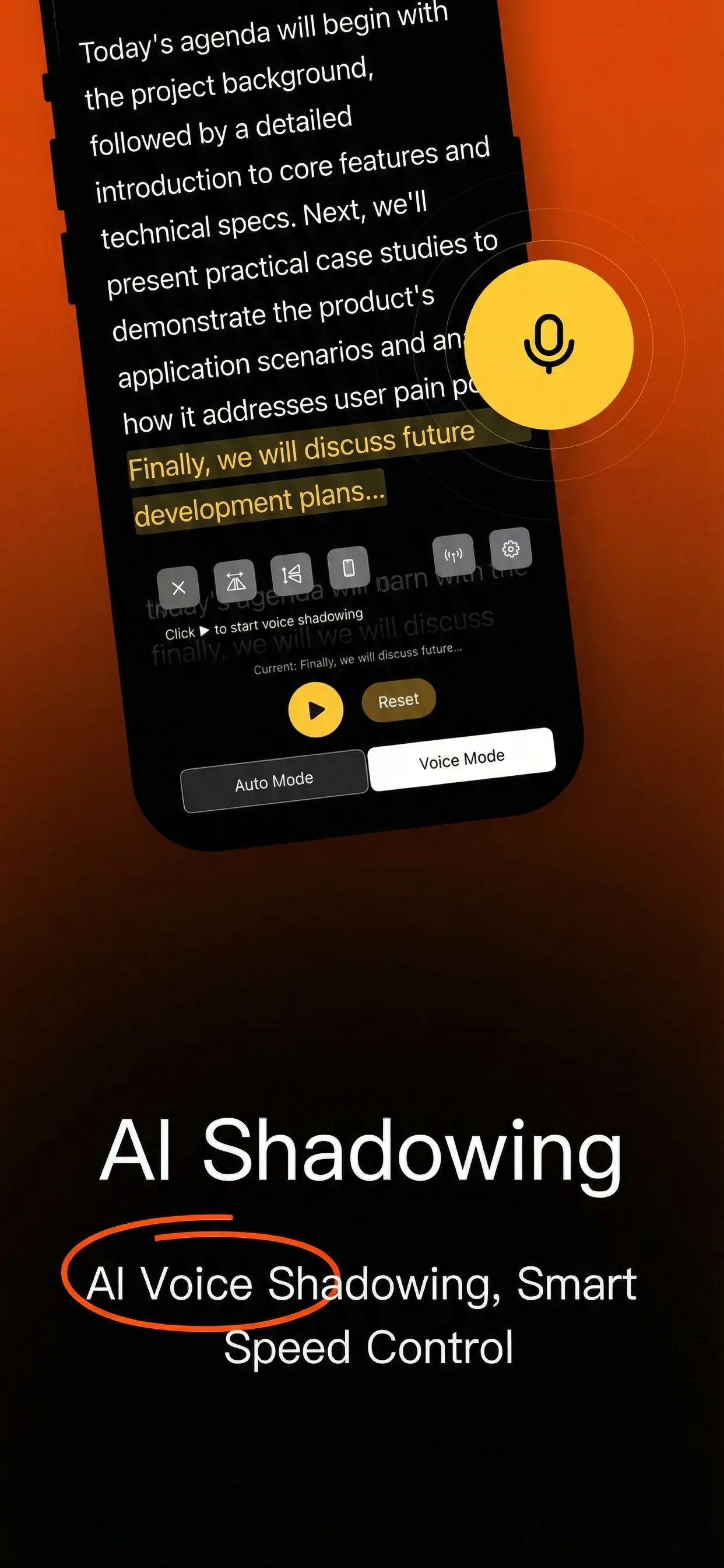
This milestone update sharpens the product around a clear split: a generous free core plan for daily recording, and a Pro workflow for creators who need floating prompt, higher quality capture, and script continuity across devices.
Highlights
- Floating teleprompter for camera, livestream, and third-party app workflows
- 4K recording for higher-end production output
- Unlimited scripts for repeat recording sessions
- Cross-device script sync for iPhone, iPad, and Mac
- Faster speech tracking and smoother long-script scrolling
Free plan remains practical
The free plan still covers the core use case:
- 5 editable scripts
- 1080P recording
- AI follow reading
- Local-first script storage
- No forced watermark export
Why this matters
Most teleprompter apps either lock the useful workflow too early or overload the product with noise. Beast Teleprompter is being shaped around the speaking moment itself: keep the script readable, keep the pacing natural, and reduce re-takes.
Main scenarios
- Short-form creator videos
- Live commerce
- Online classes and training
- Interviews, meetings, and speech rehearsal
Next step
We are continuing to refine floating prompt stability, AI follow reading accuracy, and the handoff between online teleprompting and the native app workflow.
Beast Teleprompter for macOS Released
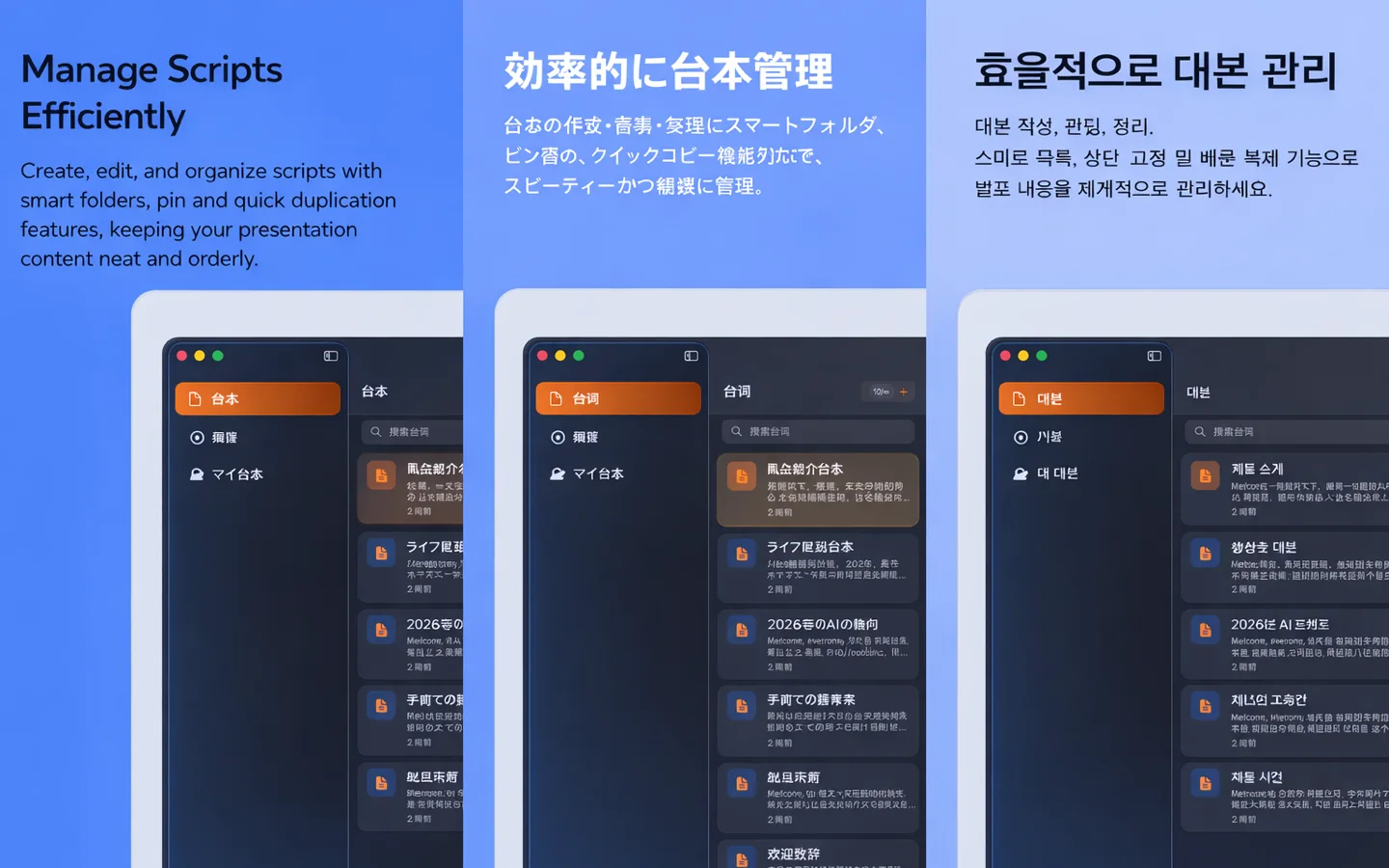
Beast Teleprompter for macOS is now available. This first desktop release is built for creators who need a larger reading surface, cleaner studio workflow, and better control during longer takes.
What ships in v1.0
- AI follow reading for speech-paced scrolling
- Script editing and playback controls optimized for desktop
- Recording-friendly layouts for lessons, presentations, and camera tests
- Keyboard-first control for faster pacing adjustments
- Cross-device script sync with iPhone and iPad for Pro users
Best-fit scenarios
- Online course recording
- Long-form YouTube or Bilibili talking-head videos
- Speech rehearsal and meeting prep
- Desk-based livestream production
Product direction
The macOS release follows the same principle as the iPhone app: keep the core workflow usable from day one, then add professional upgrades only where they create real production value.
Free users can start with core teleprompting and recording workflows. Pro users unlock the more advanced desktop workflow, including sync across devices.
What comes next
We will keep improving desktop readability, keyboard control, and continuity between iPhone and Mac so scripts move cleanly across devices without breaking the speaking flow.