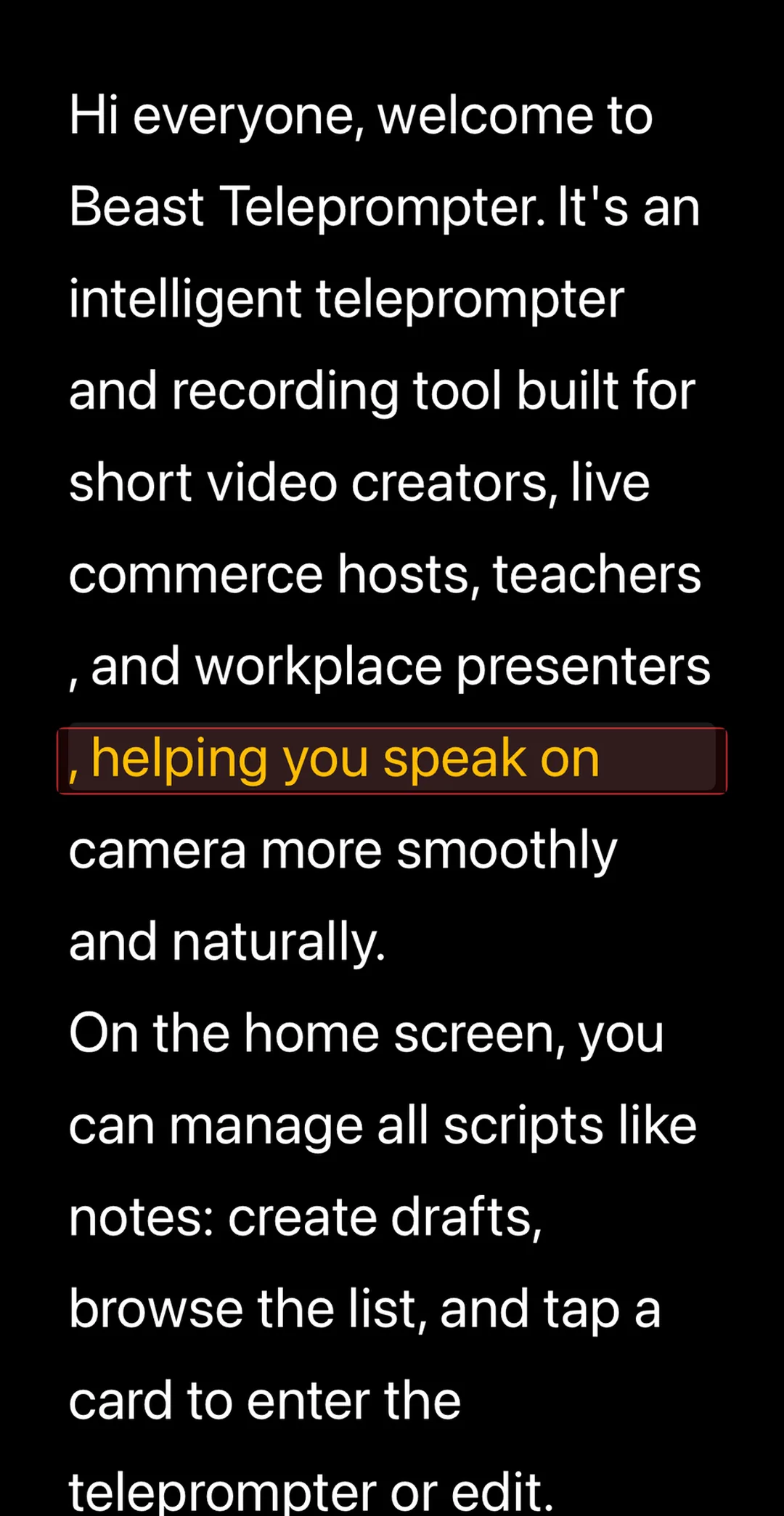
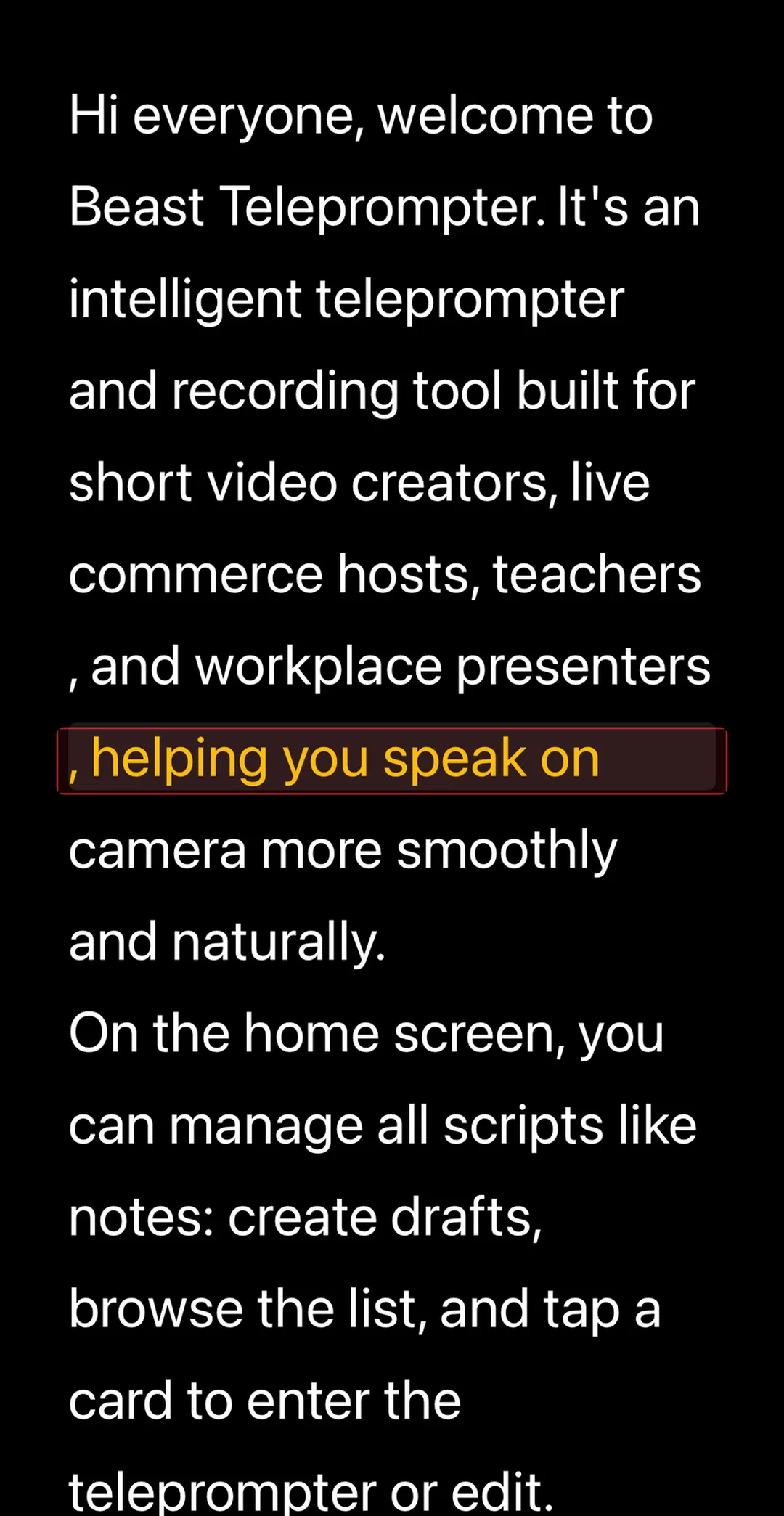
A teleprompter shows your script in front of the camera so you can read while looking directly at the lens, with no memorization required. This guide covers the setup, eye contact technique, and why voice-controlled scrolling makes everything else easier.
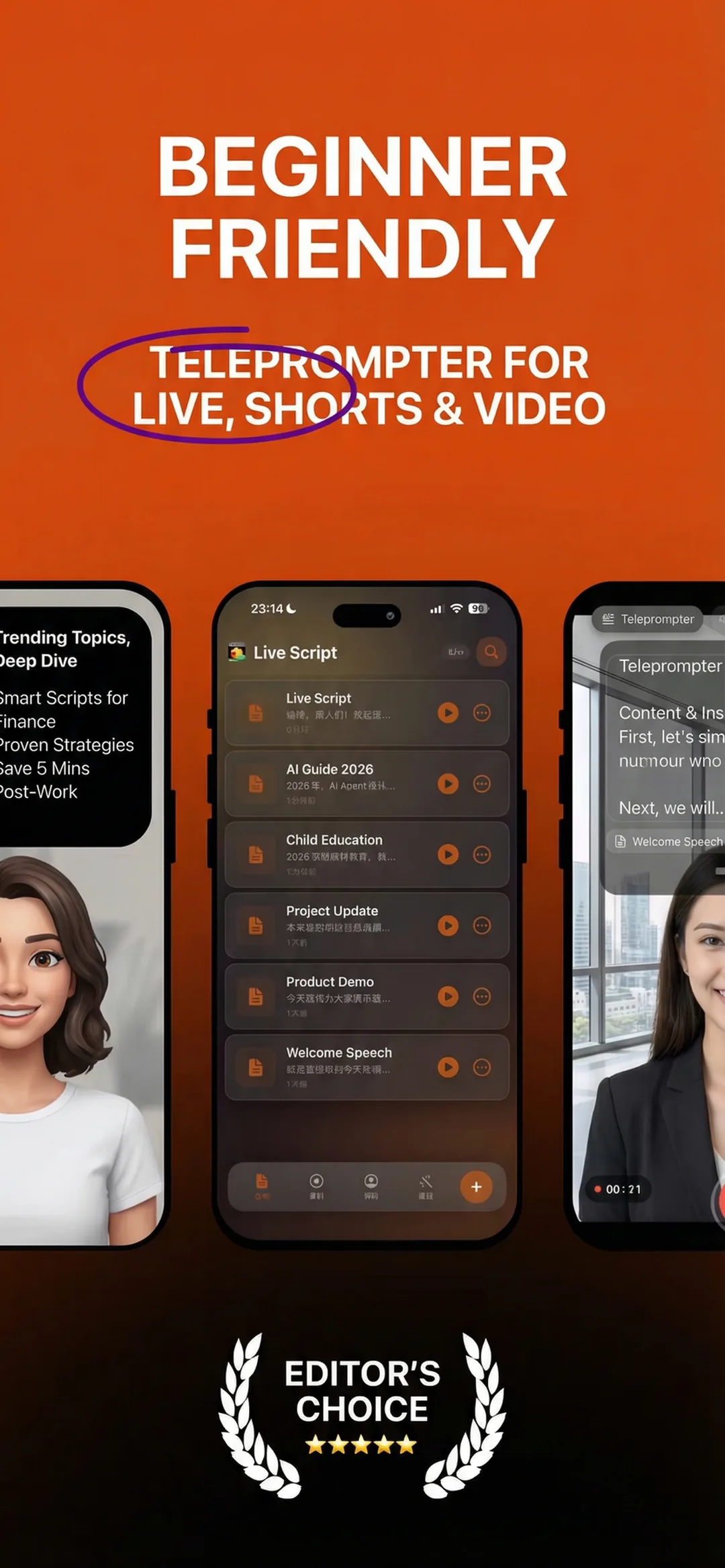
Step 1: Get Your Script Into the App
Before you hit record, you need the words in front of you. Open a teleprompter app, create a new script, and paste or type your content. Keep each take short. Around 150 to 250 words is a comfortable target. Longer scripts mean more room for your eyes to wander and your energy to flatten out.
Beast Teleprompter's free plan gives you 5 script slots, which is enough to run an entire content calendar without paying anything. Scripts save locally on your device, so they are available offline without account setup.
Beast Teleprompter's free plan includes AI follow reading, 1080P recording, and 5 script slots, with no trial timer and no feature wall. The paid tier at $2.99/month or $29.99/year unlocks the option to turn off the watermark, a floating prompt window that overlays your camera or live streaming app, 4K recording, unlimited scripts, and iCloud sync.
Step 2: Position the Screen at Eye Level
The single most common mistake is the phone sitting too low, pointed up at your face. When the script is below the camera, your eyes drift downward and your audience sees it immediately, even if they cannot explain why you look off.
Mount your device so the script sits as close to the camera lens as possible:
- Front-facing setup: phone at arm's length, lens near the top of the frame, script scrolling in a narrow centered column below the lens
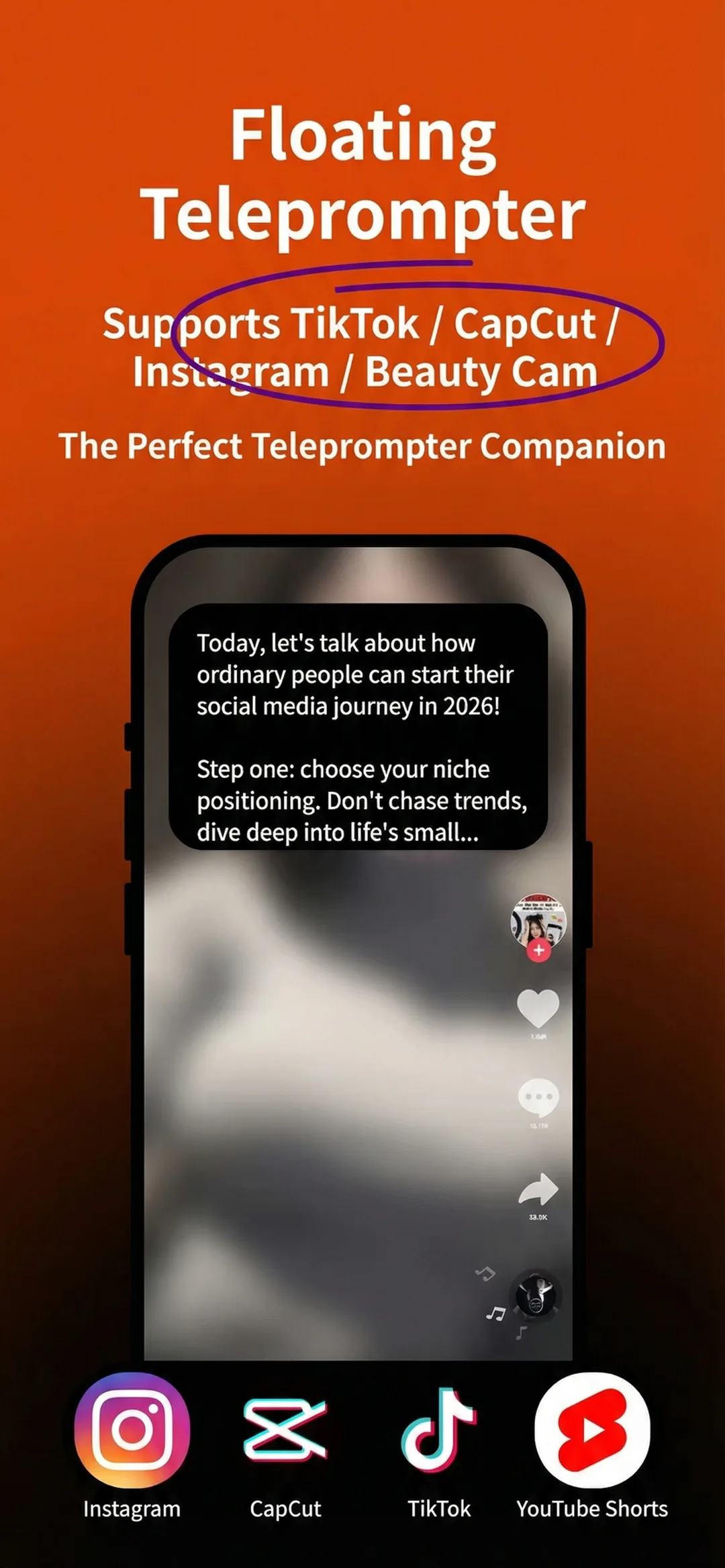
- Floating window setup: Beast's floating prompt window, available on the Pro plan, overlays the teleprompter on top of your camera app. Drag it to the center of the screen, just below the lens.
The narrower your scrolling column, the less your eyes need to move left to right. You want to be scanning, not reading.
Step 3: Use Voice-Controlled Scrolling Instead of a Fixed Timer
Fixed-speed scrolling is the enemy of natural delivery. The script moves at a preset rate no matter what you do. Pause to think and you fall behind. Rush a sentence and the text outruns you. You end up chasing words instead of talking to the camera.
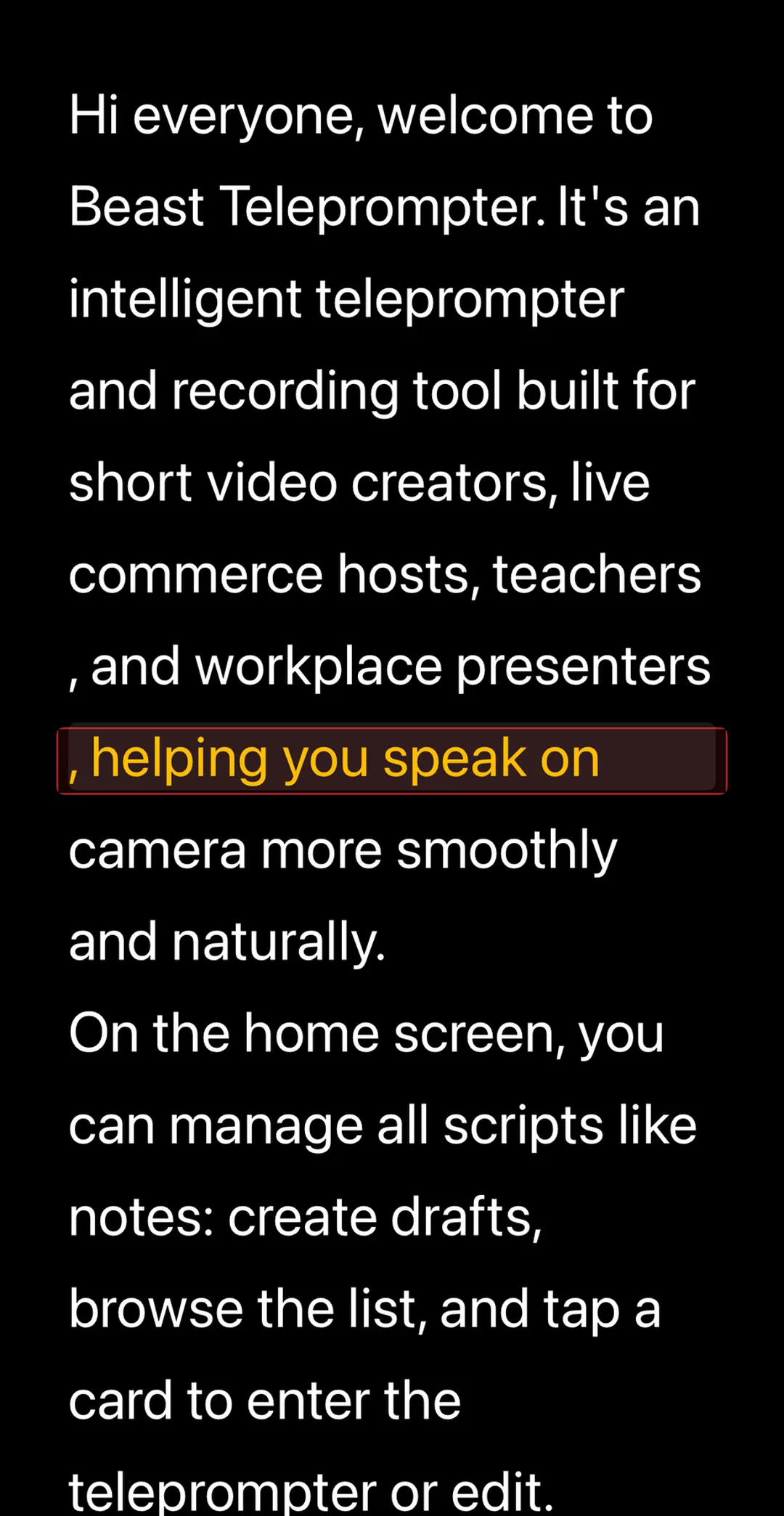
Beast Teleprompter's AI follow reading listens to your voice in real time and moves the script to match your pace. Pause mid-sentence and the text waits. Speed up and it follows. You can improvise, re-read a line, or take a breath and the app keeps up.
Beast Teleprompter's AI follow reading listens to your voice in real time and moves the script to match your pace. If you pause, the text waits. If you speed up, it follows. This feature is free on the iOS app, with no subscription required.
PromptSmart Pro offers a comparable voice-following feature called VoiceTrack, but it requires a $29.99 app purchase before you can use it. With Beast, AI follow reading is part of the free tier from the first launch.
Do You Need Two Phones?
No. New creators often wonder if they need one phone for the teleprompter and another to record. With Beast's floating prompt window, the script overlays your existing camera app on the same device. One phone runs both.
If you prefer a fully integrated approach, Beast's recording studio mode combines the teleprompter and camera in a single screen. You read and record simultaneously without switching apps. 1080P recording is free.
Why You Still Look Scripted and How to Fix It
A teleprompter stops forgotten lines. It does not automatically fix delivery. Two things make people look like they are reading on camera:
1. Chasing the text horizontally. Eyes move left to right as they track each line. Fix this by using a narrow centered column so your eyes stay in one place.
2. Flat pacing. You read at the same speed the script scrolls, regardless of where the emphasis should land. Fix this by using voice-controlled scrolling so you can pause, slow down, or stretch a word for effect while the app follows you.
One practical technique is to read each line of your script twice before recording. First pass to understand it. Second pass to feel where the rhythm lands. Then when the camera is rolling, the teleprompter is a safety net, not a script to chase.
Frequently Asked Questions
How do you use a teleprompter while looking at the camera?
Place the teleprompter screen as close to the camera lens as possible. For a phone setup, mount the device so the front lens is near the top of the frame and the scrolling text is centered below it. Use a narrow column so your eyes do not need to track left to right. Your gaze stays on the lens, which looks like eye contact. Beast Teleprompter's floating window mode lets you drag the overlay to the exact spot that lines up with your lens.
Can I use a teleprompter with just one phone?
Yes. Beast Teleprompter's floating prompt window overlays the script on top of your camera app so one phone handles both teleprompter and recording. The built-in recording studio mode combines both into a single screen, with no second device needed.
Is AI voice-controlled scrolling free?
With Beast Teleprompter, yes. AI follow reading, which moves the script based on your speech in real time, is available on the free plan for iOS. PromptSmart Pro's comparable VoiceTrack feature requires a $29.99 app purchase, while other teleprompter apps often reserve voice-following features for paid tiers.
How fast should a teleprompter scroll?
Most people speak comfortably at 130 to 160 words per minute on camera. Rather than setting a fixed scroll speed, use voice-controlled scrolling so the app adapts to your natural pace instead of forcing you to match a timer. If a line comes out wrong, pause and let the script wait for you.
Can I use a teleprompter for Zoom or video calls?
Yes. On iPhone, Beast Teleprompter's floating prompt window can overlay your video call app so you see the script while the camera shows your face. On Mac, Beast's macOS app runs a teleprompter alongside meeting software. This works for Zoom meetings, online teaching, and recorded presentations without any additional hardware.
Beast Teleprompter's free plan covers AI follow reading, 1080P recording, and 5 scripts, which is enough to run the full workflow without a credit card. Download on the App Store or read more at beastteleprompter.com.