
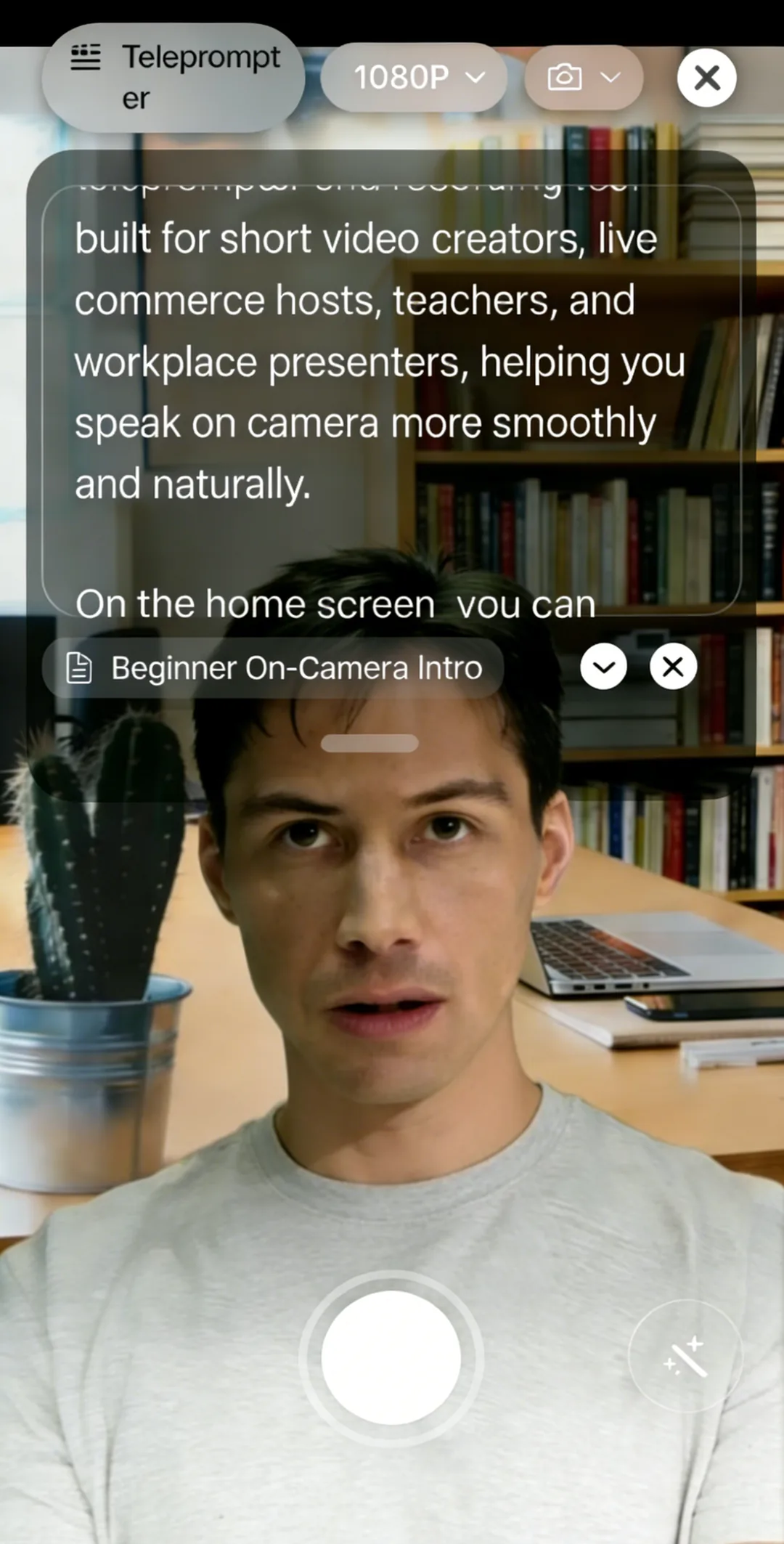
Most teleprompter apps separate recording from prompting. You open the teleprompter, memorize where you stopped, switch to your camera app, hit record, and hope you remember to keep pace with a script you can no longer see.
Beast Teleprompter solves this with a built-in recording studio: your script scrolls as you speak, and the camera records everything in the same session. One app, one workflow, one device.
Download Free on the App Store
Record and Prompt in the Same App
Beast Teleprompter's recording studio combines the teleprompter and camera into a single interface. While your script is scrolling, driven by your voice or at a set speed, the camera is recording simultaneously.
The result: no switching between apps, no losing your place, no re-recording because you could not see the text.
What's included free, permanently:
- 1080P recording with no watermark
- AI follow reading (voice-synced scrolling)
- Up to 5 saved scripts
The recording is exported directly to your camera roll in full quality. There is no timer, no trial, and no paywall on the basics.
AI Follow Reading Keeps Pace With Your Voice
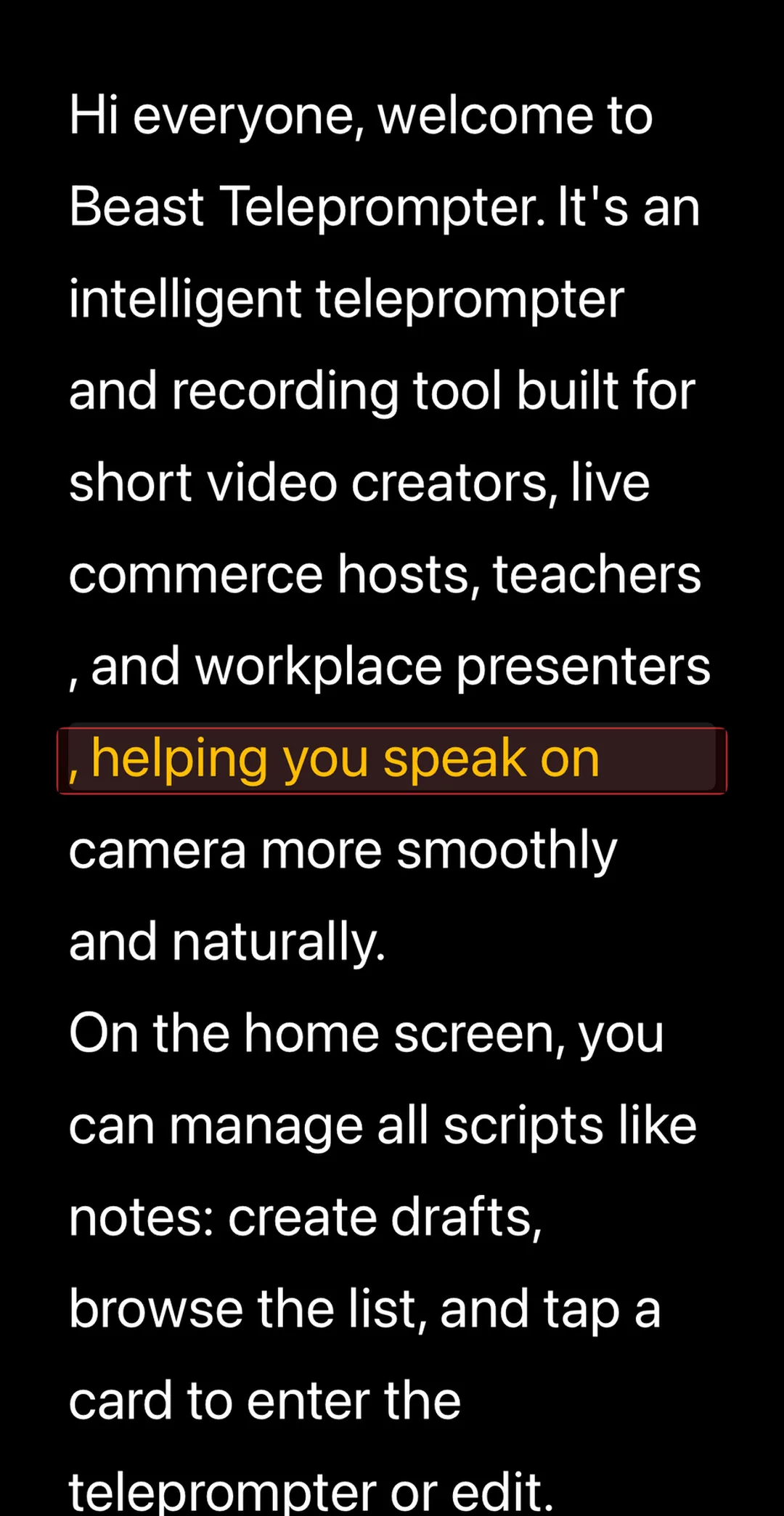
Fixed-speed teleprompters break during recording. You pause to breathe, lose your spot, then rush to catch up, and every viewer can hear it.
Beast Teleprompter's AI follow reading listens to your voice in real time and adjusts scroll speed to match your pace. Speak naturally and the script follows. Pause mid-sentence and it waits. The recording captures exactly what you say without the machine-readable rhythm of fixed-speed prompting.
This works inside the built-in recorder and does not require a subscription.
Use the Floating Window With Any Camera App
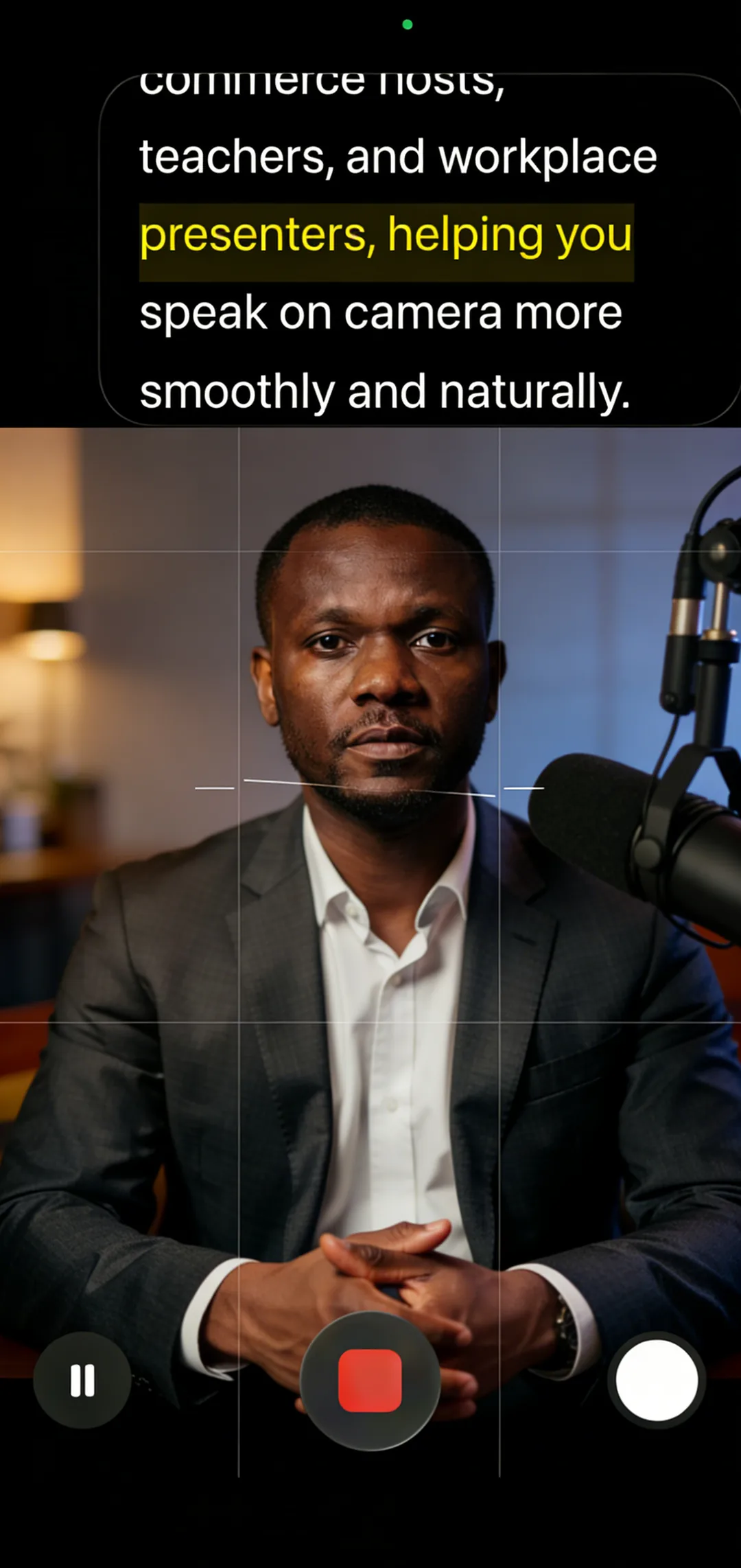
Some creators prefer their usual camera app for portrait mode, specific filters, or third-party controls. The floating window lets Beast Teleprompter overlay your script on top of any other app.
Open Beast, start the floating prompter, then switch to your camera app of choice. Your script stays visible above it, scrolling as you speak. Record however you want without giving up teleprompter access.
The floating window is a Pro feature and works with camera apps, live streaming apps, and video call tools.
Front and Back Camera Support
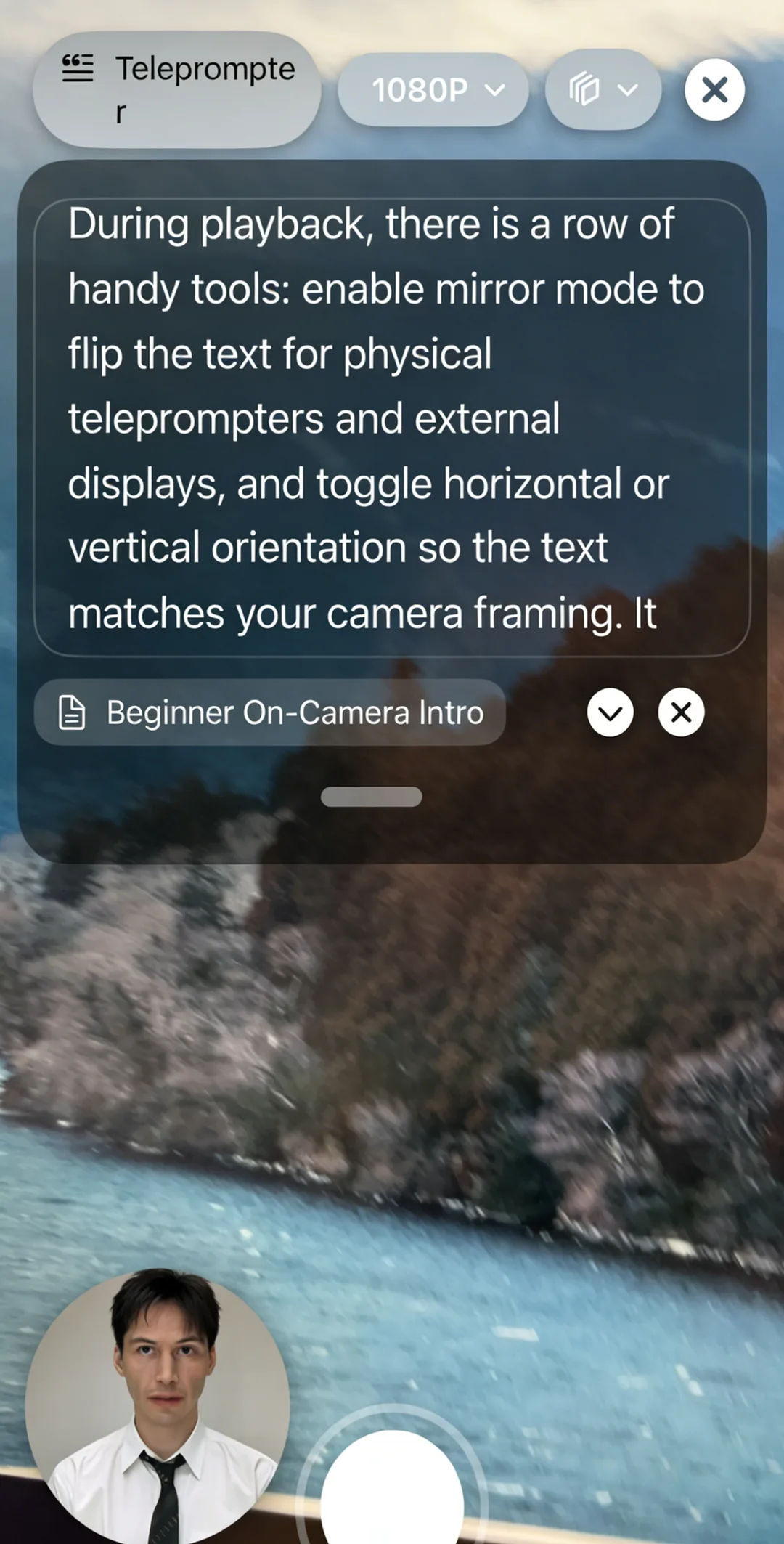
The built-in recorder supports both front and rear cameras, and the dual camera mode records from both simultaneously. You can position the prompting interface to stay visible regardless of which camera you are using.
For rear camera setups, where the teleprompter screen is typically out of frame, the floating window and adjustable position let you keep the script accessible without it appearing in the shot.
FAQ
Can I record video while using a teleprompter on the same iPhone? Yes. Beast Teleprompter has a built-in recording studio that combines the camera and teleprompter in one app. Hit record, and your script scrolls as you film, all on one device, no switching required.
What is the best app with a teleprompter and video recorder built in? Beast Teleprompter is purpose-built for this. The recording studio runs the camera and the prompting together. You get 1080P recording and AI-powered voice-synced scrolling free, without a time limit or watermark.
Does the teleprompter text appear in my recorded video? No. The script overlay is a UI layer on your screen. It does not get captured by the camera. Your exported video contains only what the camera sees.
Is 4K recording available with the teleprompter? 4K recording is available with a Beast Pro subscription. The free version records at 1080P with no watermark, which covers most content publishing needs. Subscriptions are $18/month or $198/year.
Can I use Beast Teleprompter while recording with TikTok, Instagram, or another app? Yes, through the floating window. Beast Teleprompter overlays your script on top of any app. Start the float mode, switch to TikTok or your preferred camera, and your script stays visible while you record inside that app.
Download Beast Teleprompter — Free on the App Store
Available on iPhone, iPad, and Mac. Learn more about Beast Teleprompter.